Exploring the Best Procreate Brushes for Digital Art

Unlock potential. Elevate work. Choose brushes that transform. Dive into the best Procreate brushes. Find tools that fit style. Master every stroke. Create with precision. Experiment with texture. Push boundaries.
Discover the Best Procreate Brushes for Every Style
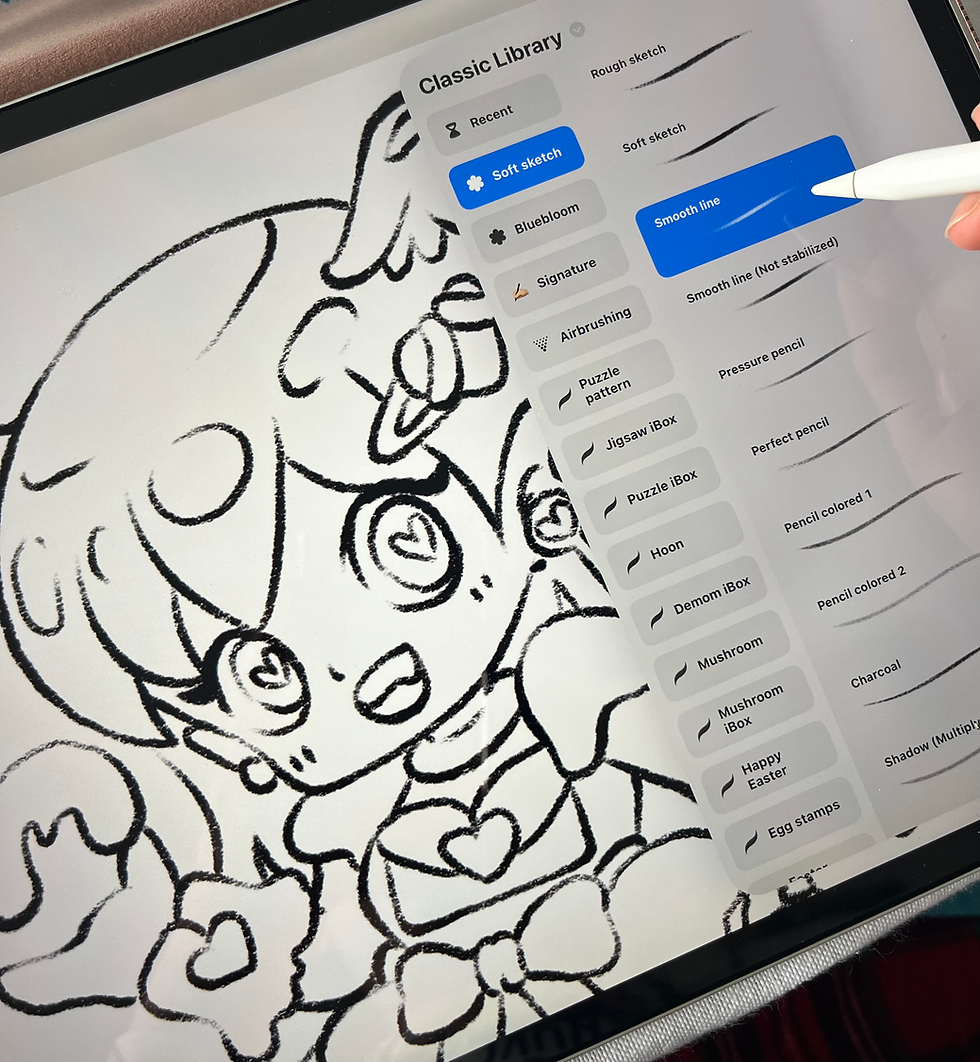
Start with basics. Sketching brushes. Pencil, charcoal, graphite. Crisp lines. Smooth shading. Perfect for drafts. Next, inking brushes. Sharp edges. Clean strokes. Ideal for comics and line art. Then, texture brushes. Rough, grainy, soft. Add depth. Bring life to flat surfaces. Finally, painting brushes. Watercolor, oil, acrylic. Blend colors. Mimic real media.
Pencil Set: Hard, soft, smudge options.
Inking Pack: Fine liners, brush pens, calligraphy.
Texture Collection: Grunge, fabric, paper effects.
Painting Kit: Wet, dry, blending tools.
Try combinations. Layer effects. Build complexity.
How to Choose the Best Procreate Brushes for Your Workflow
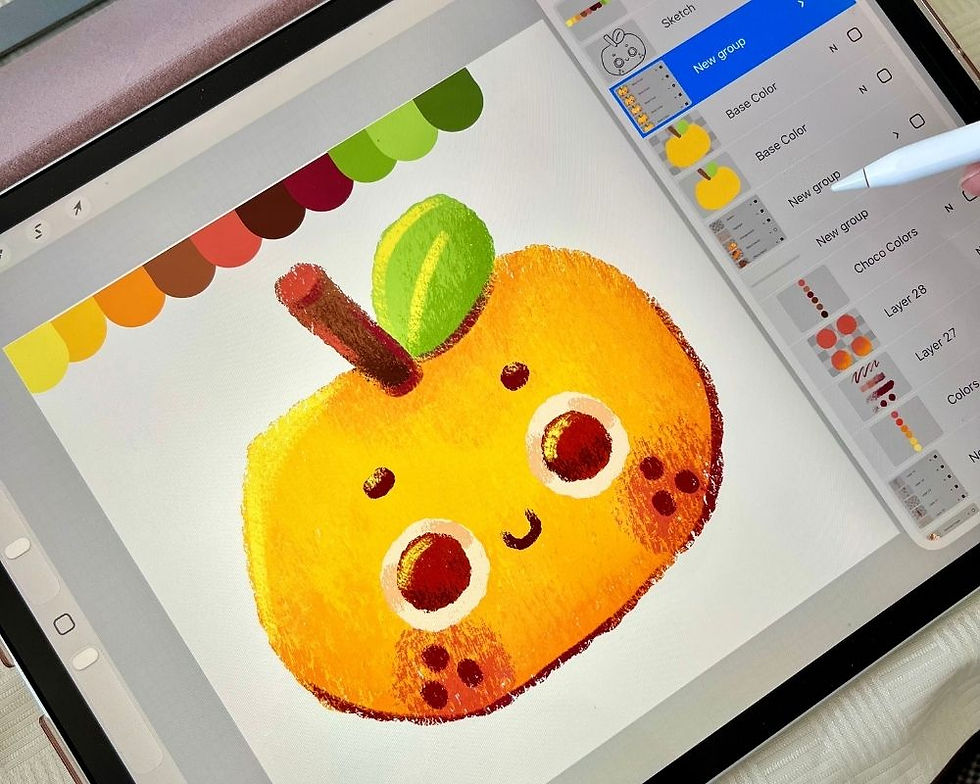
When creating digital artwork, first determine your needs and establish a suitable style. Decide if you'll sketch or paint, and whether to focus on detail or broader strokes. Choose brushes based on responsiveness, pressure sensitivity, and tilt support, find your style first then choose the brush that suit most with what you need.
Essential Brush Types for Digital Artists
Sketching Brushes: Mimic pencils, charcoal. Rough, textured. Great for initial ideas.
Inking Brushes: Crisp, clean lines. Vary thickness. Perfect for outlines, details.
Texture Brushes: Add grit, grain, fabric feel. Use for backgrounds, surfaces.
Painting Brushes: Blend colors naturally. Simulate real paint. Use for final touches.
Specialty Brushes: Effects like splatter, glow, fur. Add flair and uniqueness.
Mix and match. Build custom sets. Save favorites.
Tips to Maximize Your Procreate Brushes
Experiment Often: Try new brushes on test layers.
Adjust Settings: Customize size, opacity, flow.
Use Layers: Separate elements. Apply different brushes per layer.
Combine Brushes: Overlay textures with painting brushes.
Save Custom Brushes: Create personal toolkits.
Organize Brushes: Group by type or project.
Visit procreateibox for a massive collection of high-quality brushes. Find tools that fit your style and boost creativity.
Keep Your Digital Art Fresh and Dynamic
Update brush library regularly. Explore new textures and effects. Follow trends. Adapt to new styles. Push creative limits. Share your brush sets. Collaborate with others. Learn from community.
Stay inspired. Keep creating. Never settle.
Master your craft. Choose the best Procreate brushes. Transform ideas into art.


Comments